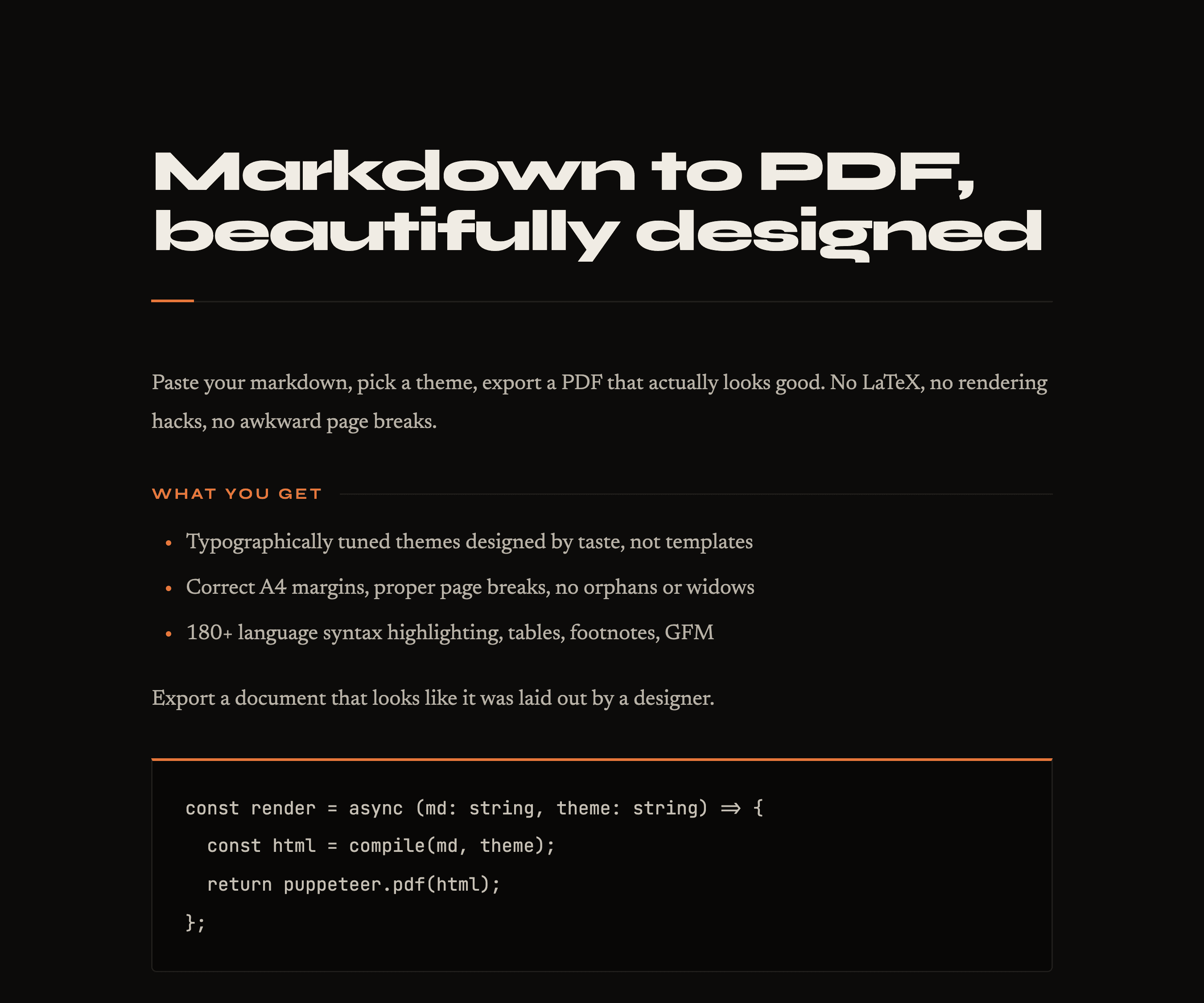
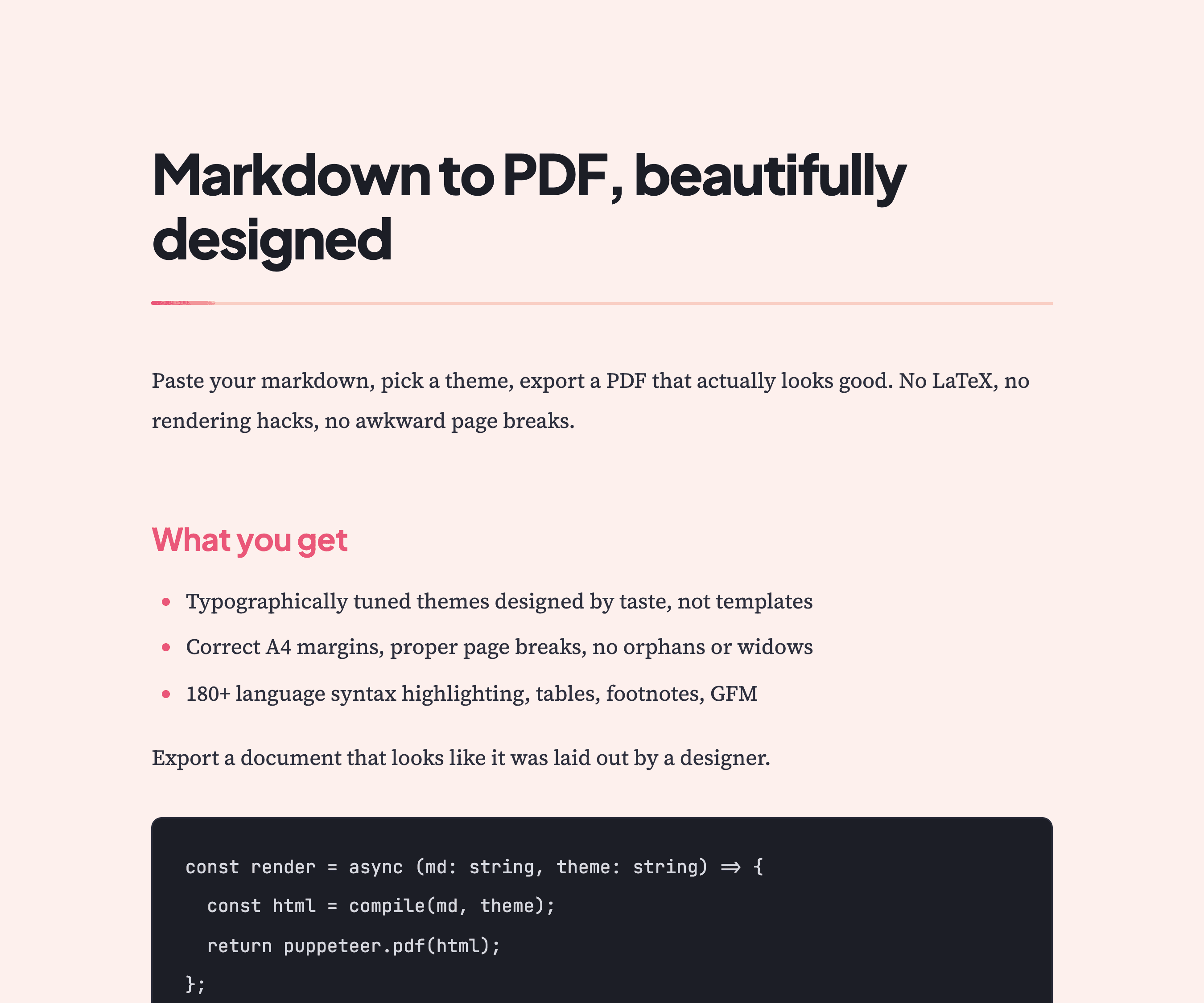
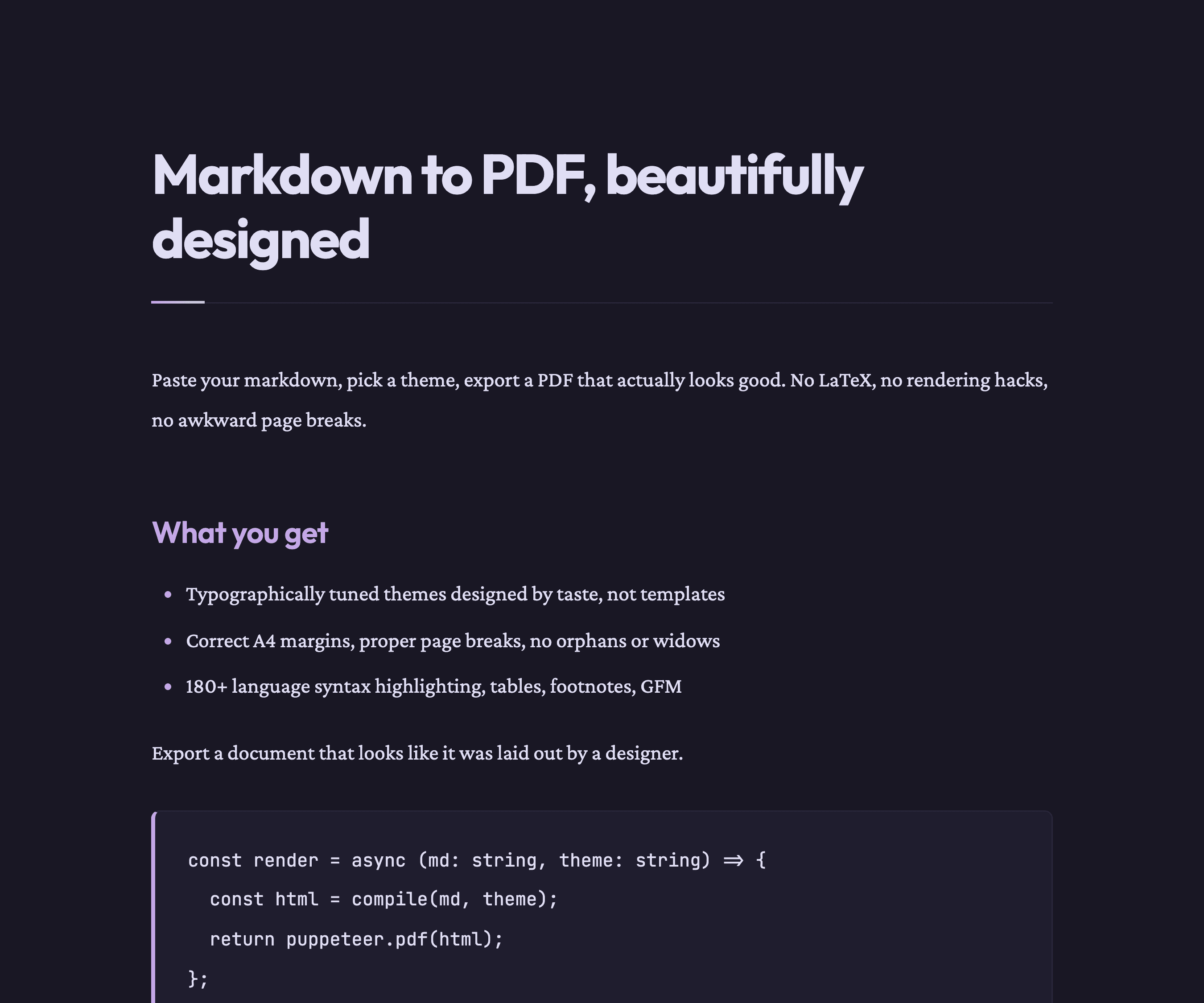
Themes
The design is the product.
How it works
Three steps. Thirty seconds.
Write in Markdown
Full GFM support — syntax highlighting for 180+ languages, tables, footnotes, nested lists. Drag in any .md file or paste output from your favorite AI.
Pick a theme
A growing collection of typographically tuned themes for technical documentation, reports, and developer-facing content. Live preview before you commit.
Export PDF or slides
A4 PDFs with the right margins and page breaks — or a 16:9 slide deck for presenting. Same Markdown source, two polished outputs.
Integrations
Drop it into any AI assistant.
MarkPDF speaks the Model Context Protocol. Plug it into Claude Code, Cursor, or Claude Desktop and let your assistant turn Markdown into premium PDFs — on demand, no copy-paste.
Pricing
Start free. Upgrade when ready.
FAQ
Frequently Asked Questions
Will I lose my work if I close the tab?
No. Your document is saved in your browser as you type and restored on your next visit — no account required.
Do I need to install anything?
Nothing. The editor, preview, and PDF export all run directly in your browser.
Can I try the themes before buying?
Yes — all themes are available for free preview in the editor. Export to PDF requires a Pro license.
Does it handle code blocks and tables?
Yes — full GitHub-Flavored Markdown with syntax highlighting for 180+ languages and clean table rendering.
Can I import an existing .md file?
Yes. Drag and drop a .md or .txt file onto the editor, or use the Import button in the toolbar.
Can I use it with AI-generated Markdown?
Absolutely. Paste output from ChatGPT, Claude, or any AI tool — MarkPDF turns it into a polished, shareable PDF in seconds.
Can I export slide decks too?
Yes. Switch to the slides view in the editor and export a 16:9 deck — same Markdown source, same themes, same one-click export.
Is there a free trial for Pro?
Yes — 90 days free, no credit card required. Sign up for early access and we’ll email you a license key instantly.
How does the license key work?
After purchase you receive a key by email. Enter it once in the editor — it's stored locally, no login ever needed.